ON POINT QUILTER
  • Blog
  • About
  • EQ8 Training
    • Tech Know Quilters
    • EQ8 Made Easy
    • Electric Quilt 8 Sneak Peek
  • Store
  • Contact
  • Majestic View EQ8 Free Live Webinar
  • TKQ Current Class List January 2026
  • Tech Know Quilters Six Month Pass
Picture

Flutterby EQ8 Tutorial

2/24/2024

 
A new EQ8 tutorial for you today.  I think you will enjoy this fun idea for a new block -- that looks much more complicated than it is.

​Plus be inspired by the most recent designs from Tech Know Quilter members.

Flutterby Blocks and Quilt

Did you know that Flutterby is another name for Butterfly?  Which do you prefer?

​For this project, I am using the Rooville fabric collection designed by Kimberly Einmo for Benartex.  This was a free download from Electric Quilt for November 2023.
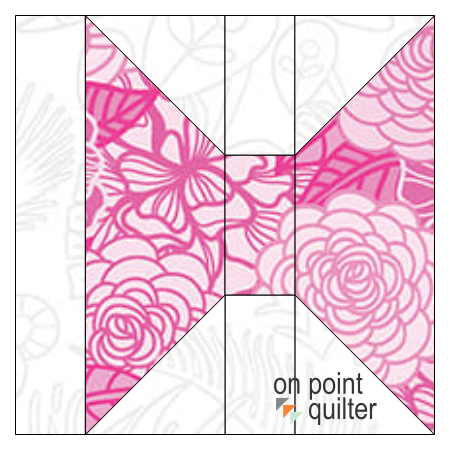
Start by drawing a 3" block using EasyDraw.  EasyDraw is just like working with pencil and graph paper.

Notice the 1/2" strip on the left -- that simple strip is the magic that keeps this quilt from being boring
Picture
Flutterby Single Block
I designed the block to be conducive to adding cheater corners on rectangle blocks -- which may be your preferred construction method for adding those triangles.

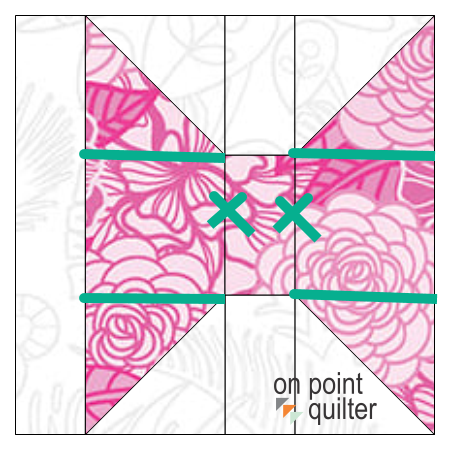
However the beauty of EQ is that this would be super easy to modify if that is not your favorite construction technique.

Add four short lines -- delete two others and now you can used half square triangle units instead of cheater corners for your blocks.

​Which construction method do you prefer?
Picture
Modifications for Half Square Triangle Friendly Units
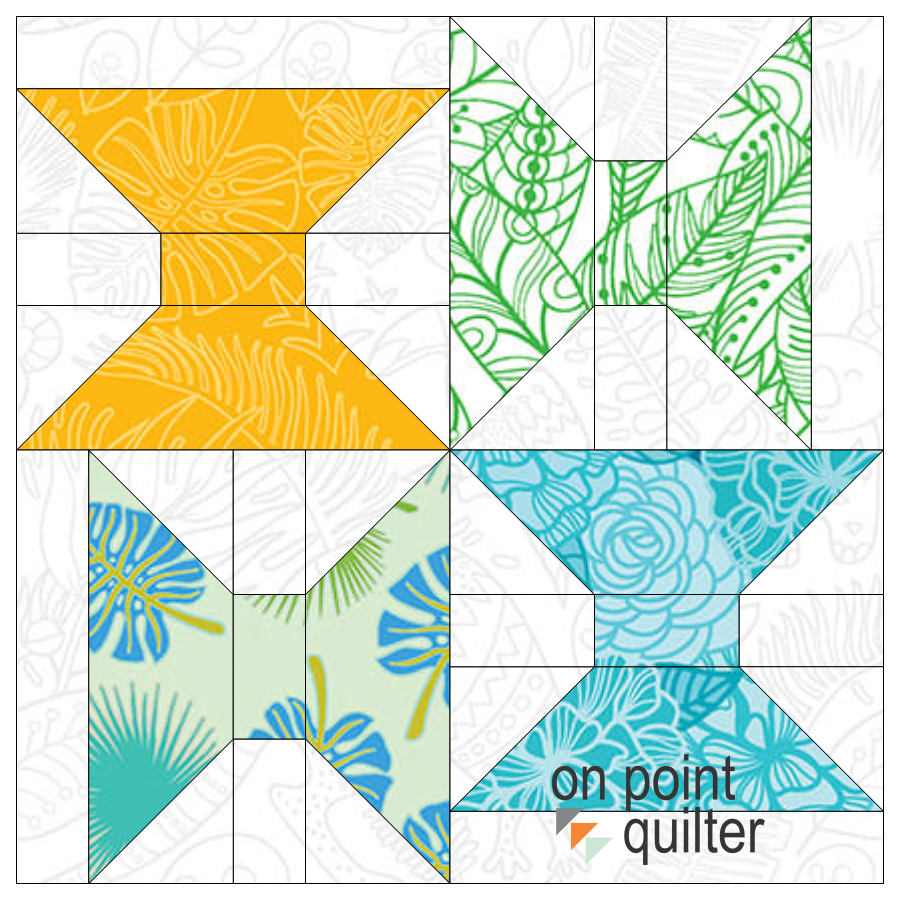
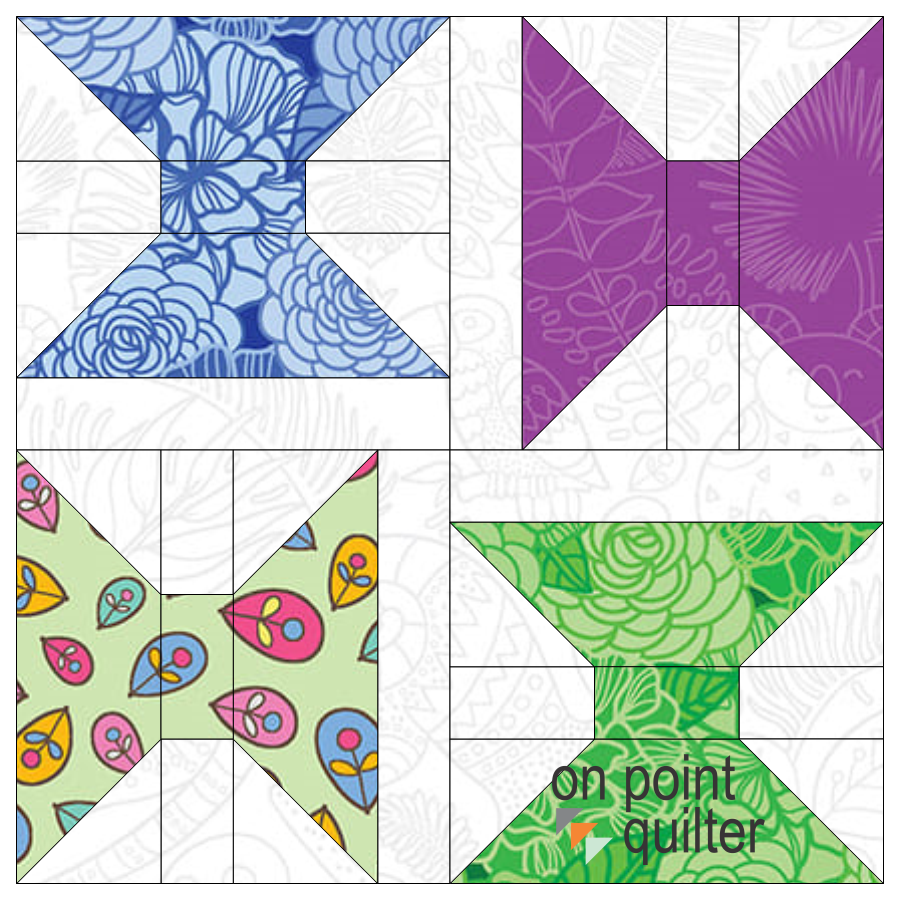
Use the Serendipity Feature to create multiple versions of the block.  In Shrink and Flip, EQ shrinks the selected block, then flips and rotates it in the four quadrants to create a new block.  Here were the two options I decided to use for my quilt.
Picture
Flutterby Shrink and Flip Block 1
Picture
Flutterby Shrink and Flip Block 2
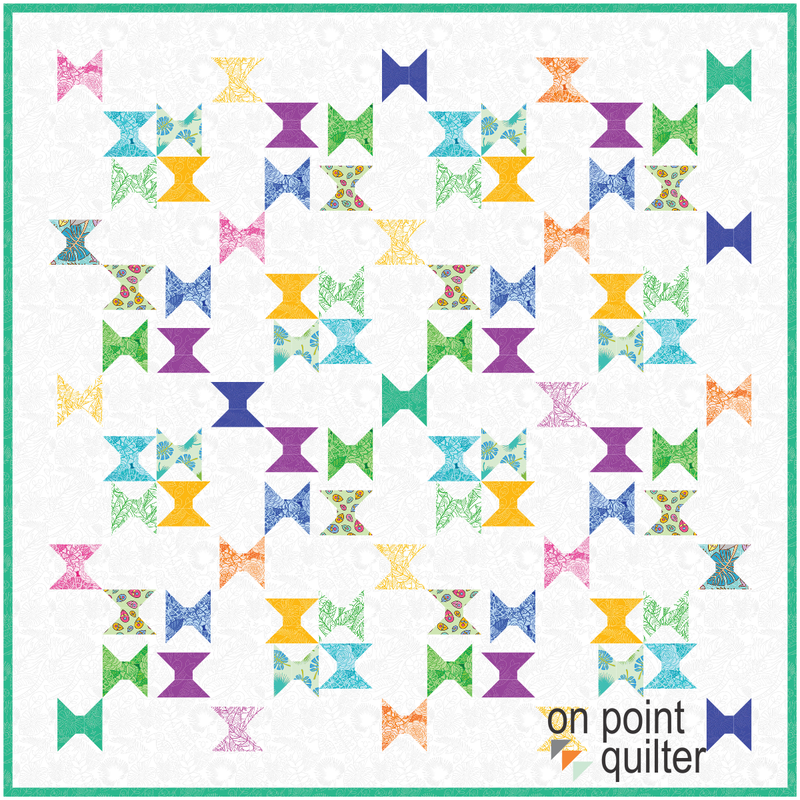
For the quilt, I suggest using a horizontal layout.

Set the number of blocks at 4 by 4 with a size of 6" for each block.  Of course it would be easy to add more blocks or change the size of the blocks if you would like bigger Flutterbys.

Under sashing, select a size of 3".  This was the size of the original Flutterby block.  Also select the option to include sashed borders.
To create a more random look for the blocks:
  • Using Alt (PC Users) or Options (MAC Users) and set Shrink & Flip block 1 in the first full block space on the quilt worktable.
  • Using Alt (PC Users) or Options (MAC Users) and set Shrink & Flip block 2 in the 2nd full block space on the quilt worktable.
  • Using Ctrl (PC Users) or Command (MAC Users) set the initial block in the corner stone spaces on the quilt worktable.
  • Randomly rotate the cornerstone blocks.
  • Use Symmetry and click on one of the Shrink and flip blocks.  The Symmetry tool is a fast and fun way to achieve various quilt designs by using combinations of rotate and flip on all the full blocks of the quilt at once.
Picture
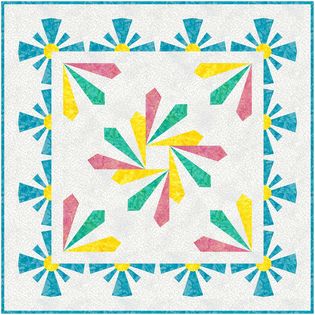
Flutterby Quilt designed in EQ8
When I am in design mode, I frequently create more than one variation on a quilt.  As I make changes, I always come up with other ideas that I want to experiment with.

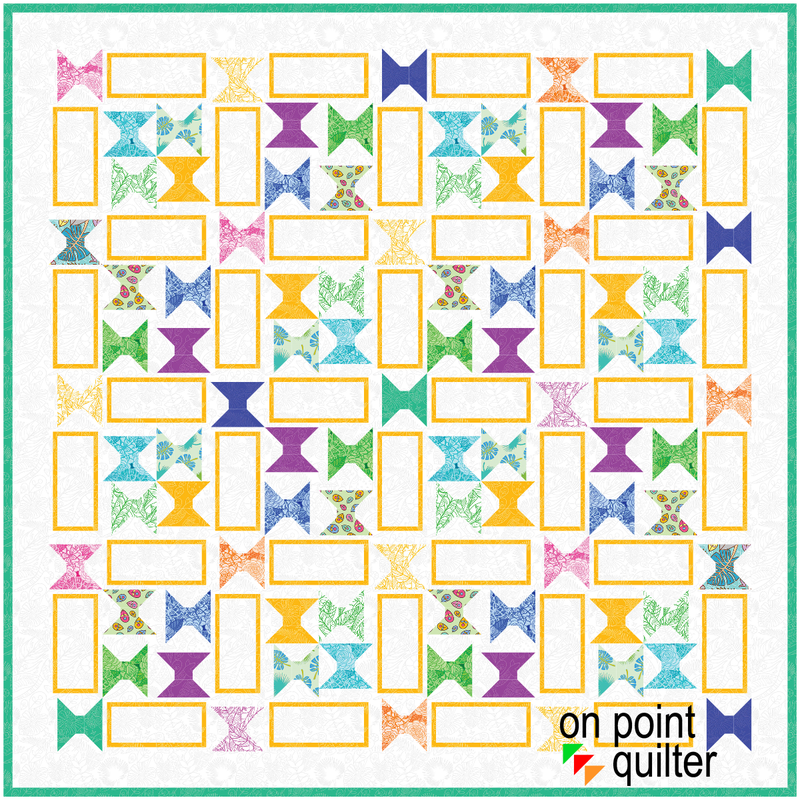
For this quilt, I decided to try a block in the sashing area.  

I made it an easy to piece block with only rectangle pieces.
Picture
Flutterby Quilt with optional pieced borders.
Check out the video for all the details on creating the Flutterby blocks and quilt.
I would love to see your designs.  Feel free to share pictures on the Learning EQ Facebook group.  I've set up a dedicated spot for your pictures.

​To personalize the project, swap out the Flutterby block with your own 3" block and use the same concepts to create a new quilt.
Flutterby Learning EQ Facebook Post

Tech Know Quilters January Showcase 

Every month I challenge Tech Know Quilter members to apply what they have been learning in the Tech Know Quilter classes.  I am so proud of this group of quilters as they share their creativity with us.
Picture
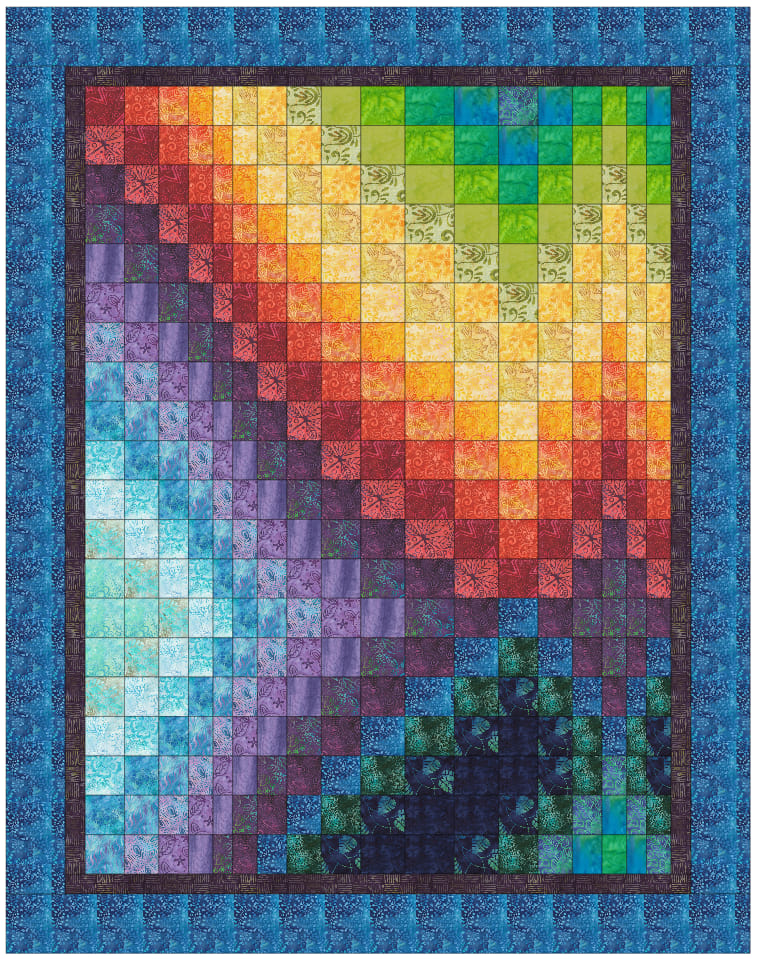
Eileen Dover I did the bargello class and loved creating the designs. This is my fave of the bunch
Picture
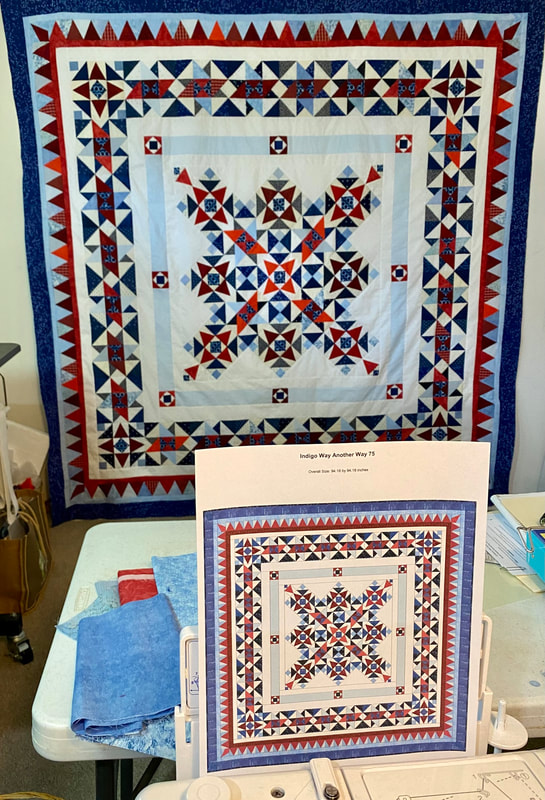
Terry McCaskey I finished piecing the re-design I created in EQ for the Bonnie Hunter Mystery Quilt "Indigo Way." This is "Indigo Way Another Way" thanks to EQ skills developed with Kari in TKQ.
Picture
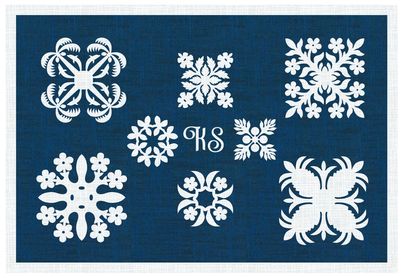
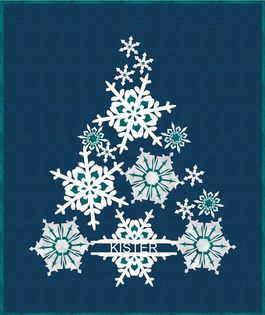
Kristy Goodin Soard My snowflake mug rug was a favorite from this month.
Picture
Rhonda Goss Letters and Text Masters Class
Picture
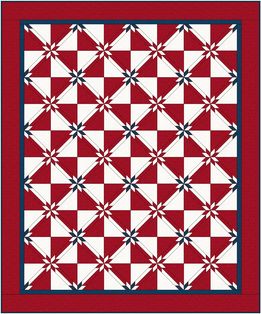
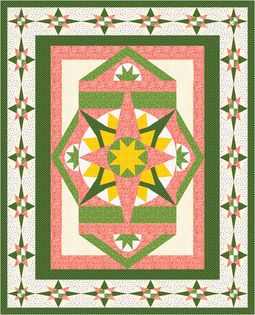
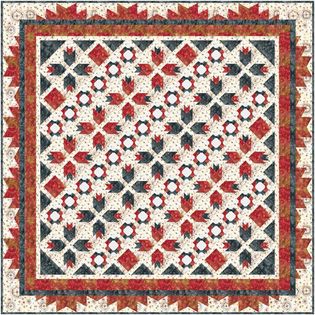
Beth Voss Ennis Here's a quilt I want to make for my son. I added (by photo and finding fabric image at manufacturer) my own fabric, along with the Hunter Star block to see what it will look like.
Picture
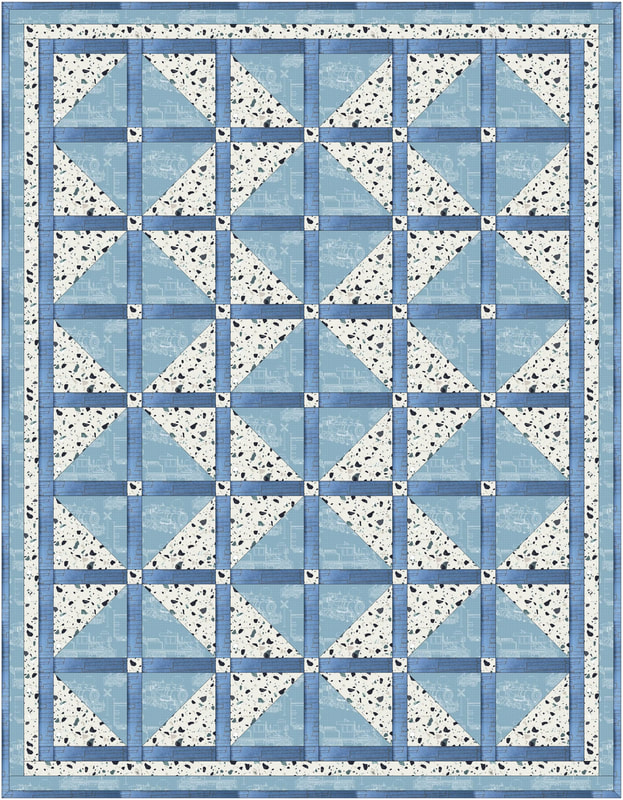
Beth Voss Ennis I feel like an over achiever, as I've created 2 quilts to make in the past week, and have another in mind. This one is for a great-nephew, and again, I added my own fabrics from the designers website, one had to be through a photo. Then I used a pattern from a 3 yard quilt book but used the rotate tool to come up with my own layout. I'm really loving what I've learned so far!
Picture
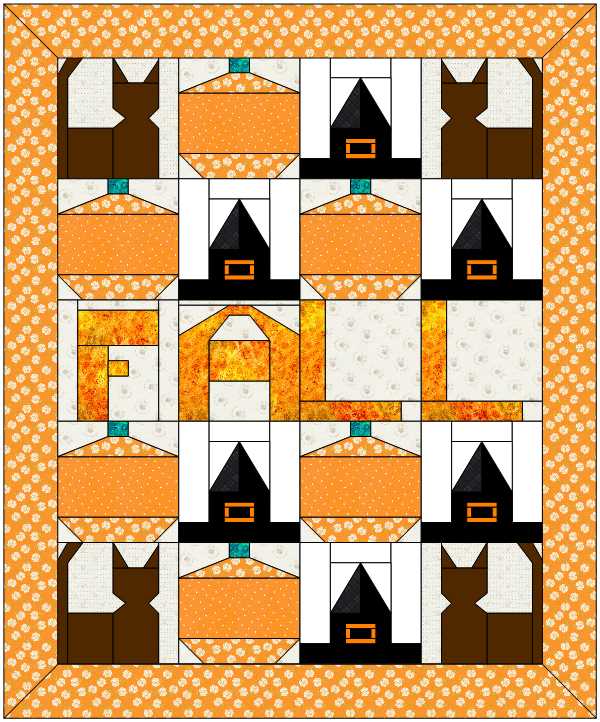
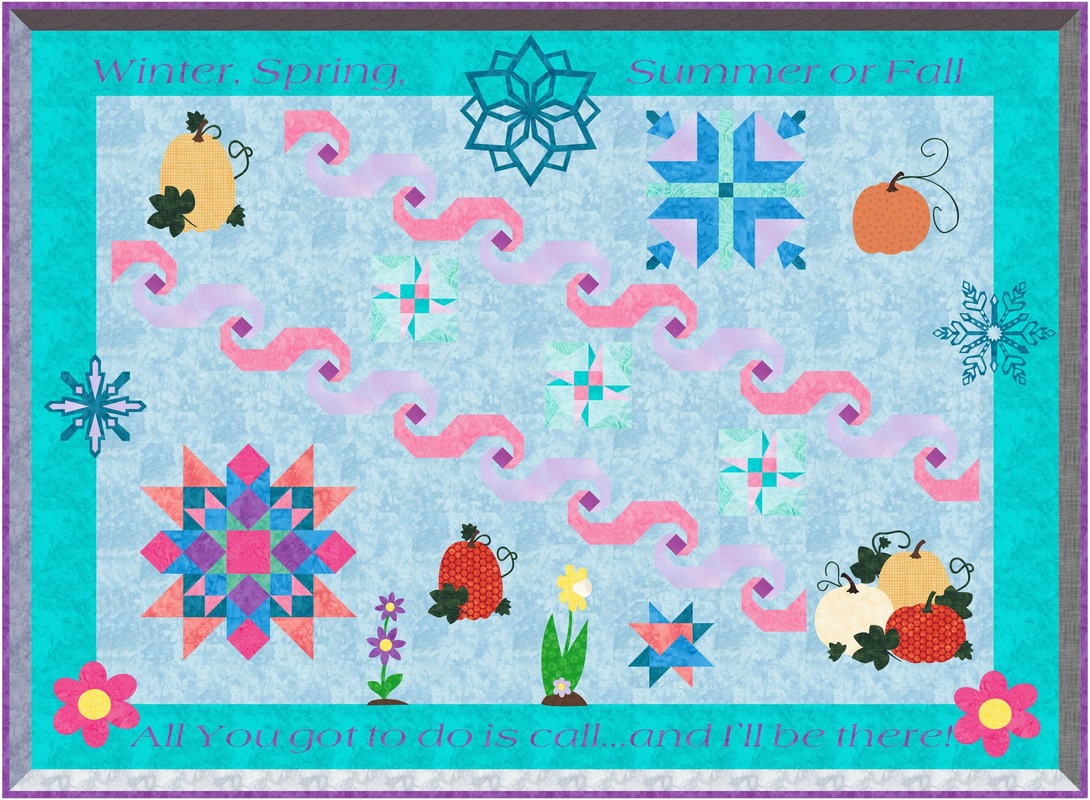
Julie Pedersen This month, I took the Masters Letters and Text class. For this challenge, I chose to use the custom layout and create a card for my school principal who is on medical leave. I used blocks from each of our seasonal quilts to create it...Winter, spring, summer and fall. Looking forward to next month's class to learn more about this topic.
Picture
Denise Mohler What did I learn in January? Well I am still playing catch-up so I have a list of completed lessons for this month..... so here we go!!!!!! TKQ Advanced Borders Lesson 10
Picture
Denise Mohler TKQ Reproduction Quilts 2 Lesson 5
Picture
Denise Mohler TKQ More Optical Illusions Lesson 13
Picture
Denise Mohler TKQ Masters Advanced Custom Set Lesson 5
Picture
Denise Mohler TKQ Masters Advanced Polydraw Lesson 3
Picture
Denise Mohler TKQ Masters Fabric From Photos Lesson 5
Picture
Denise Mohler TKQ Masters Folded Corner Holiday Quilts Lesson 7
Picture
Denise Mohler TKQ Masters Modern Dresden Blocks Lesson 7
Picture
Denise Mohler TKQ Masters Pictoral Foundation Lesson 2
Picture
Denise Mohler TKQ Masters Design Your Own Medallion Quilt Lesson 5
Picture
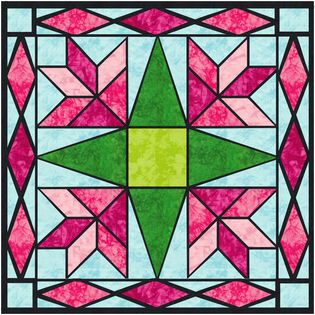
Denise Mohler TKQ Masters Stained Glass Quilts Lesson 2
Picture
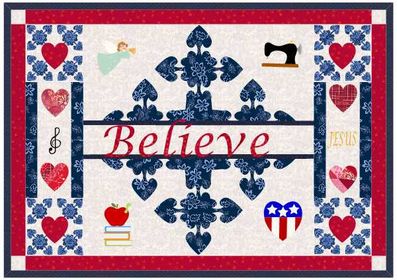
Connie Bradley Bobcik TKQ Masters Class January 2024, Letters and Text. I am using Topper Quilt I designed for my Word Challenge. I used skills we learned to split a design and add lettering to that. I also added applique motifs. I loved all of the lettering ideas we learned thru out the month.
Picture
Stella Shaffer Crutcher I used some new skills like merging blocks and the auto borders in making this. The new skills from the classes are valuable even when I am working on something completely different than the quilts we are doing in class.
Picture
Edith Craig My class this month was Masters Letters and Texts. This class has been a great way to practice drafting appliques and placing them on a quilt. I used some images from the EQ library as a starting point for some of my appliques, removing the backgrounds to make them motifs.
Picture
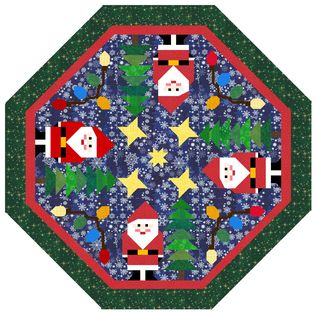
Fran Heisey TKQ Masters Letters and Text. This was my favorite class so far. The snow flakes were such fun.
Picture
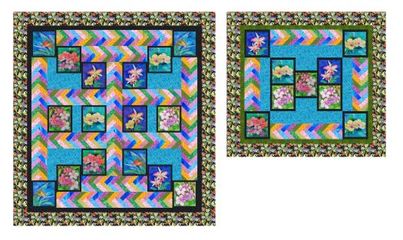
Brigitte Lee I made the Queen-size quilt by redrawing all the different braid sizes. After the MTKQ Class Letter and Text, lesson 2. I changed my approach for the Sofa throw, by saving the largest braid as a photo and cropping the photos to the right length. There was some fine-tuning needed as the photo added a border. (Panels are from Kaufman Fabrics, Island Sanctuary)
Picture
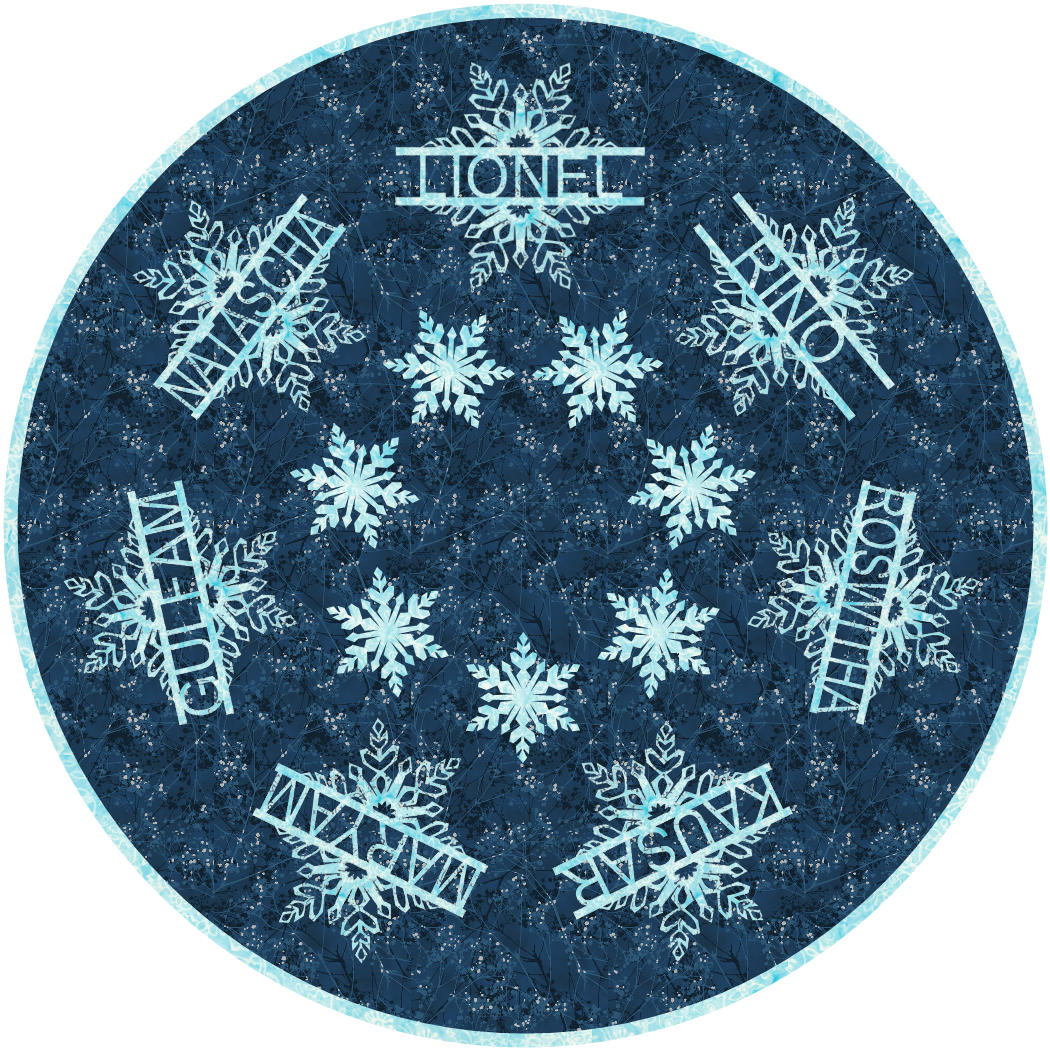
Roswitha Franz In January I took part in the Masters course “Letters and Text”. I was fascinated by the snowflakes and the possibility of adding text to them and using them to design a round quilt. I have included my family's names. It was a particular challenge to arrange 7 stars instead of the 5 in the course. In the 4 years that I have been attending Kari's courses, I have learned a tremendous amount. I never thought I'd get to the point of showing a design here. For me, Kari's courses are something like brain jogging, too. Implementing them keeps me mentally fit.
Would you like to join this amazing group of designers and quilters?  Click on the Learn More Image to find out about Tech Know Quilters.

Picture
Picture
Happy quilting.

​Kari

Join the On Point Quilter weekly newsletter and receive regular tips and inspiration on using Electric Quilt 8 along with the  Free 12 Top
Tips for EQ8 video guide.
Picture

Comments are closed.
    Picture
    Picture
    Picture
    Free guide available for newsletter subscribers
    Picture
    Picture
    Picture

    Kari Schell

    Electric Quilt Expert and Educator and Pattern Designer.

    Categories

    All
    Art And Stitch
    Cricut Maker
    Dear Jane
    Electric Quilt 7
    Electric Quilt 8
    Goose Goose Duck Challenge
    Inkscape
    Patterns
    Silhouette Cameo
    Stampin Up
    Tips And Techniques
    Tools And Rulers

    Archives

    February 2026
    January 2026
    December 2025
    November 2025
    October 2025
    September 2025
    August 2025
    July 2025
    June 2025
    May 2025
    April 2025
    March 2025
    February 2025
    January 2025
    December 2024
    November 2024
    October 2024
    September 2024
    August 2024
    July 2024
    June 2024
    May 2024
    April 2024
    March 2024
    February 2024
    January 2024
    December 2023
    November 2023
    October 2023
    September 2023
    August 2023
    July 2023
    June 2023
    May 2023
    April 2023
    March 2023
    February 2023
    January 2023
    December 2022
    November 2022
    October 2022
    September 2022
    August 2022
    July 2022
    June 2022
    May 2022
    April 2022
    March 2022
    February 2022
    January 2022
    December 2021
    November 2021
    October 2021
    September 2021
    August 2021
    July 2021
    June 2021
    May 2021
    April 2021
    March 2021
    February 2021
    January 2021
    December 2020
    November 2020
    October 2020
    September 2020
    August 2020
    July 2020
    June 2020
    May 2020
    April 2020
    March 2020
    February 2020
    January 2020
    December 2019
    November 2019
    October 2019
    September 2019
    August 2019
    July 2019
    June 2019
    May 2019
    April 2019
    March 2019
    February 2019
    January 2019
    December 2018
    November 2018
    October 2018
    September 2018
    August 2018
    July 2018
    June 2018
    May 2018
    April 2018
    March 2018
    February 2018
    January 2018
    December 2017
    November 2017
    October 2017
    September 2017
    August 2017
    July 2017
    June 2017
    May 2017
    April 2017
    March 2017
    February 2017
    January 2017
    December 2016
    November 2016
    October 2016
    September 2016
    July 2016
    June 2016
    May 2016
    April 2016
    March 2016
    February 2016
    January 2016
    December 2015
    November 2015
    October 2015
    September 2015
    August 2015
    July 2015
    June 2015
    May 2015
    April 2015
    March 2015
    February 2015
    January 2015
    December 2014
    November 2014
    October 2014
    September 2014
    July 2014
    June 2014
    May 2014
    April 2014
    March 2014
    February 2014
    January 2014
    December 2013
    November 2013
    October 2013
    September 2013
    August 2013

    RSS Feed

Contact:
On Point Quilter
e-mail:  [email protected]
phone:  763-566-6536

GET MY NEWSLETTER FOR REGULAR EQ AWESOMENESS!

* indicates required
  • Blog
  • About
  • EQ8 Training
    • Tech Know Quilters
    • EQ8 Made Easy
    • Electric Quilt 8 Sneak Peek
  • Store
  • Contact
  • Majestic View EQ8 Free Live Webinar
  • TKQ Current Class List January 2026
  • Tech Know Quilters Six Month Pass